
CookieTractor Debug Mode
CookieTractor includes an interactive Debug Mode for troubleshooting common issues.
Activate it by adding the query string parameter ?ct-debug=true to any URL path on your website.
For example: https://www.cookietractor.com?ct-debug=true
The easiest way to enter the Debug Mode is to click the Debug button in the Domains section under Settings for your Website in our Tool.
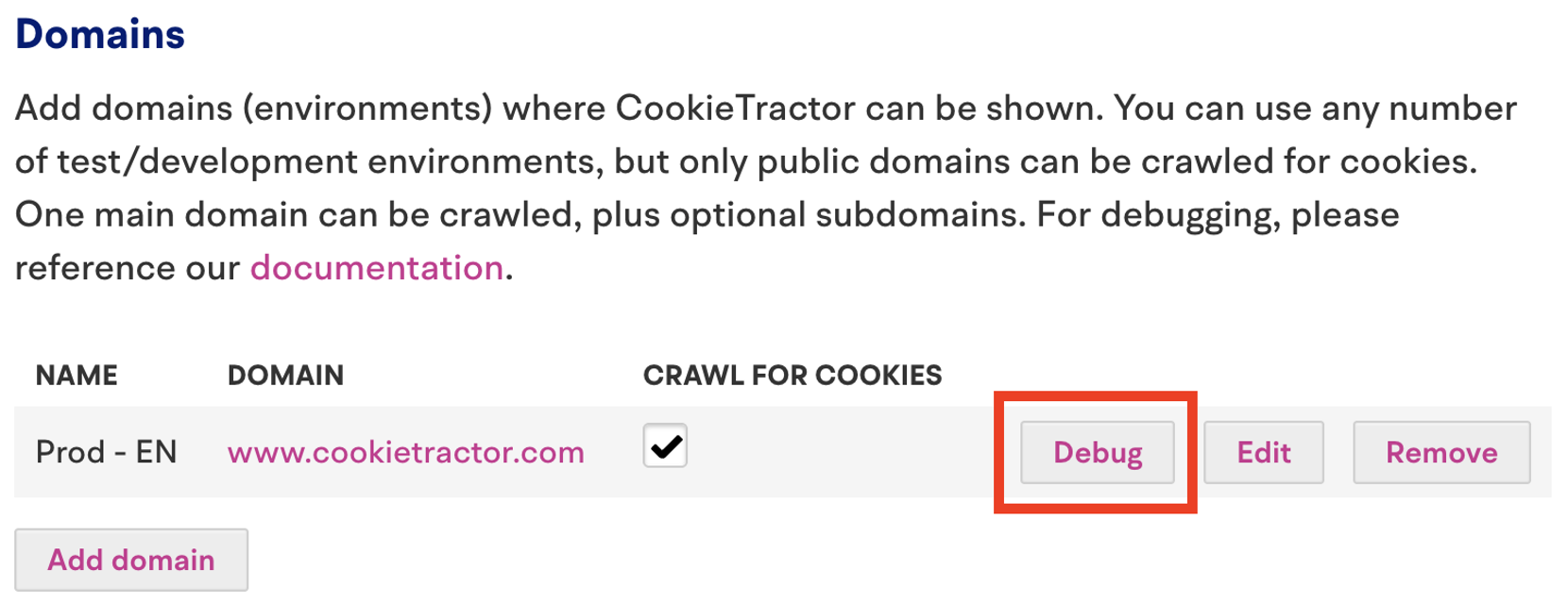
Open the banner
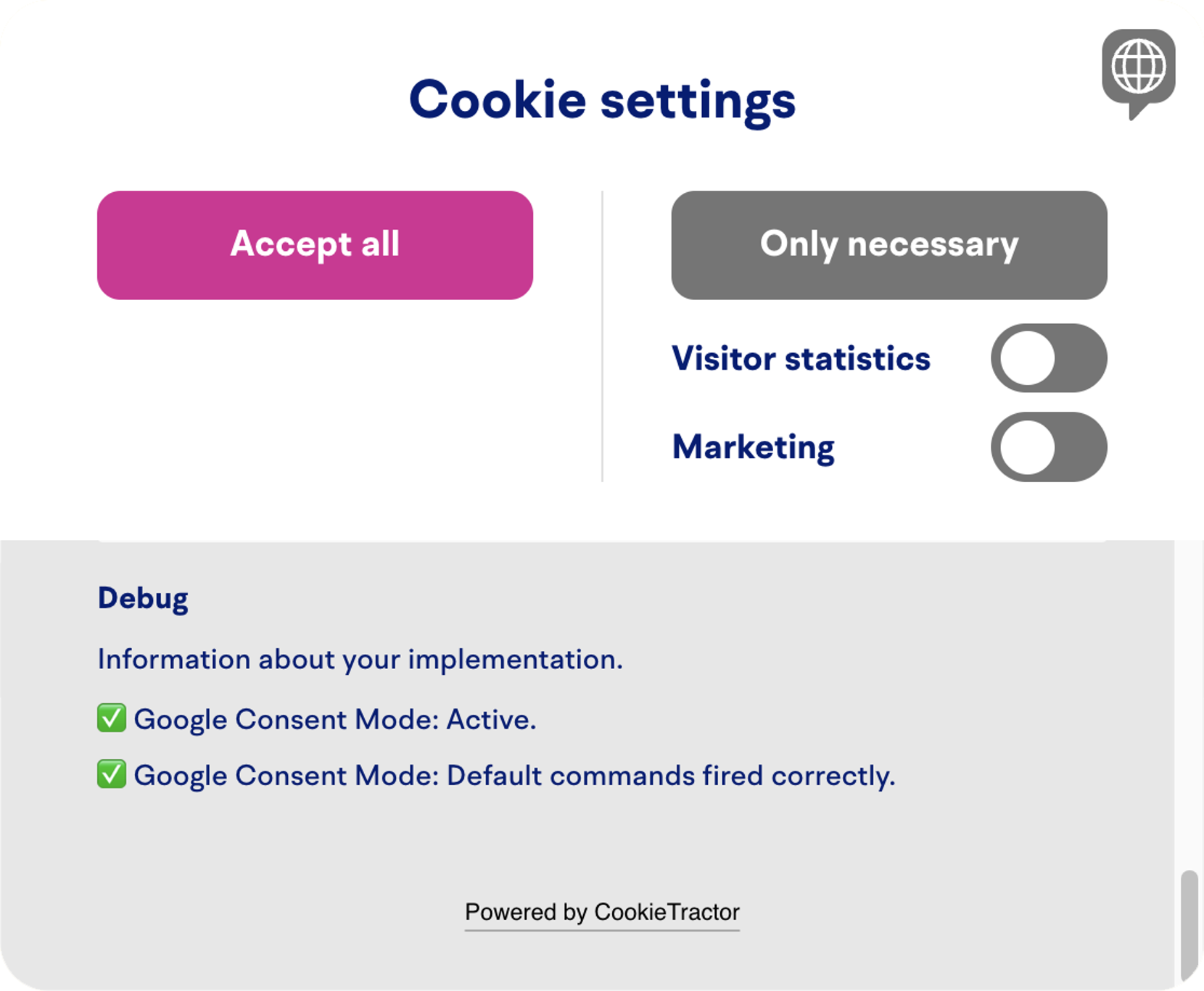
When our Debug Mode is enabled, we display information about the status of your implementation.
The information is added at the bottom of the dialog box, behind the button Read more about our cookies.

Debug information
At the bottom of the information box, you'll see a Debug heading where the results of our tests are shown:
Video
Watch this video for a quick overview of how Debug Mode works:
Related information
Support
If you have questions about CookieTractor Debug Mode, feel free to contact us at info@cookietractor.com.